 KarpiGames Editorial
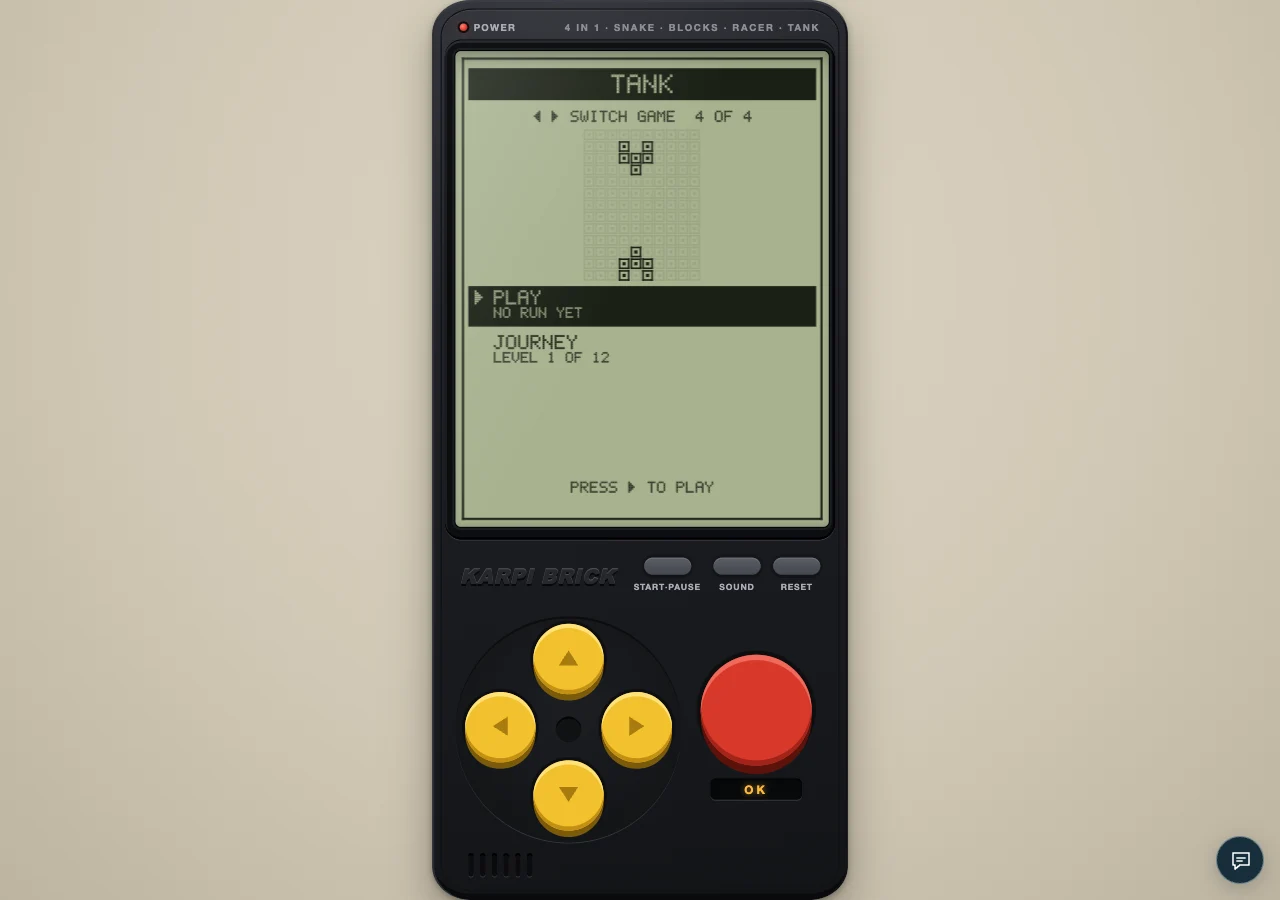
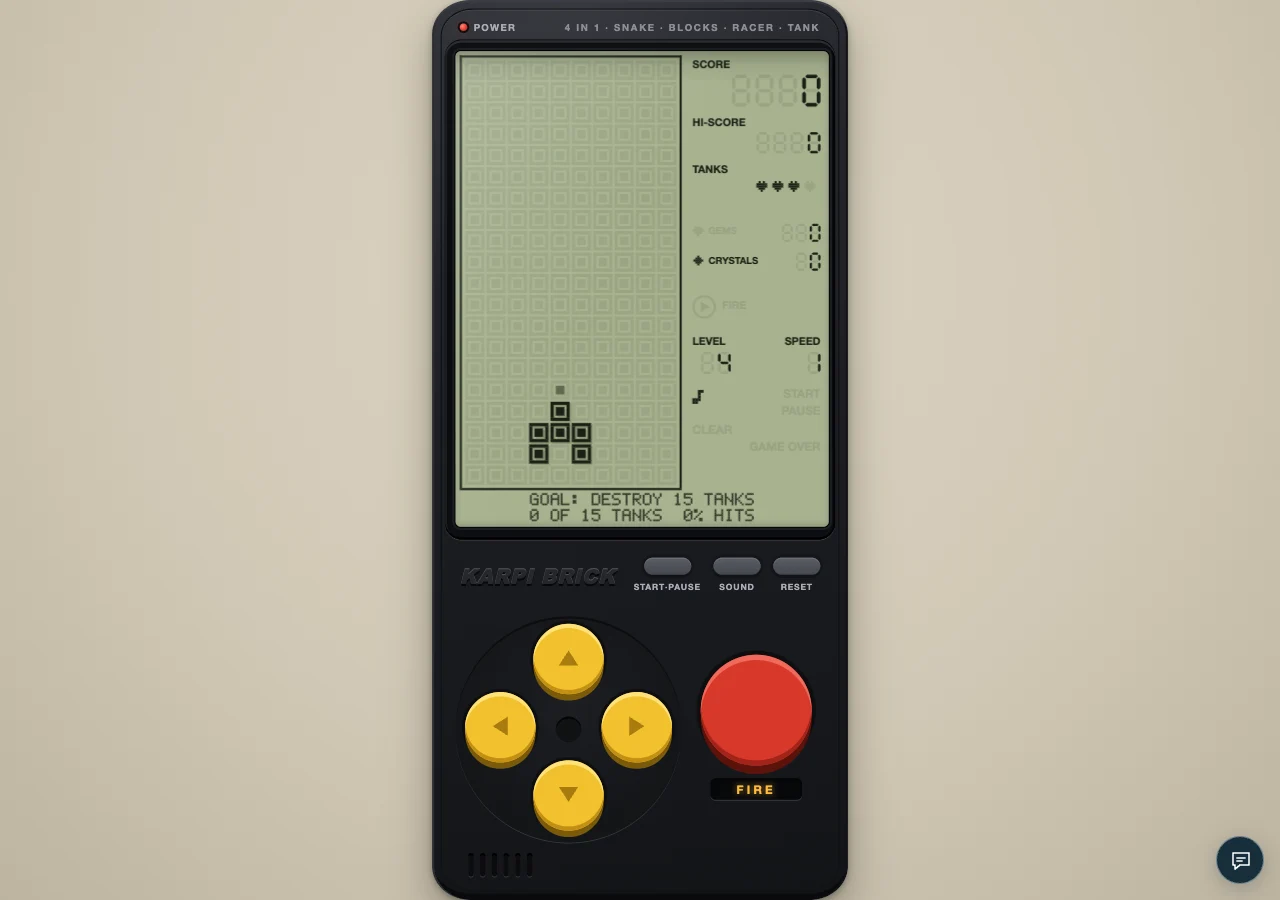
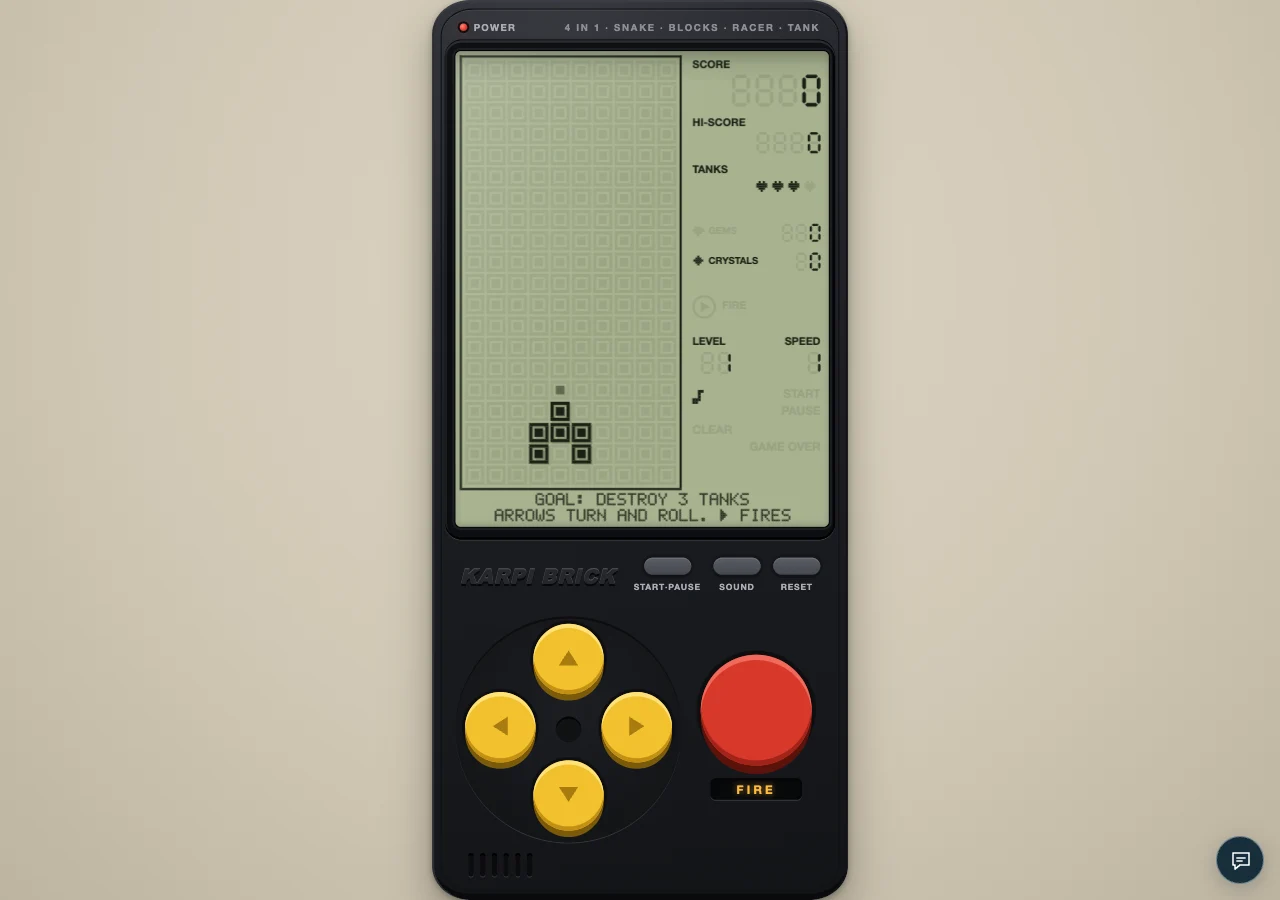
An authentic local capture of the cartridge. The visual guides below explain the decisions to look for.
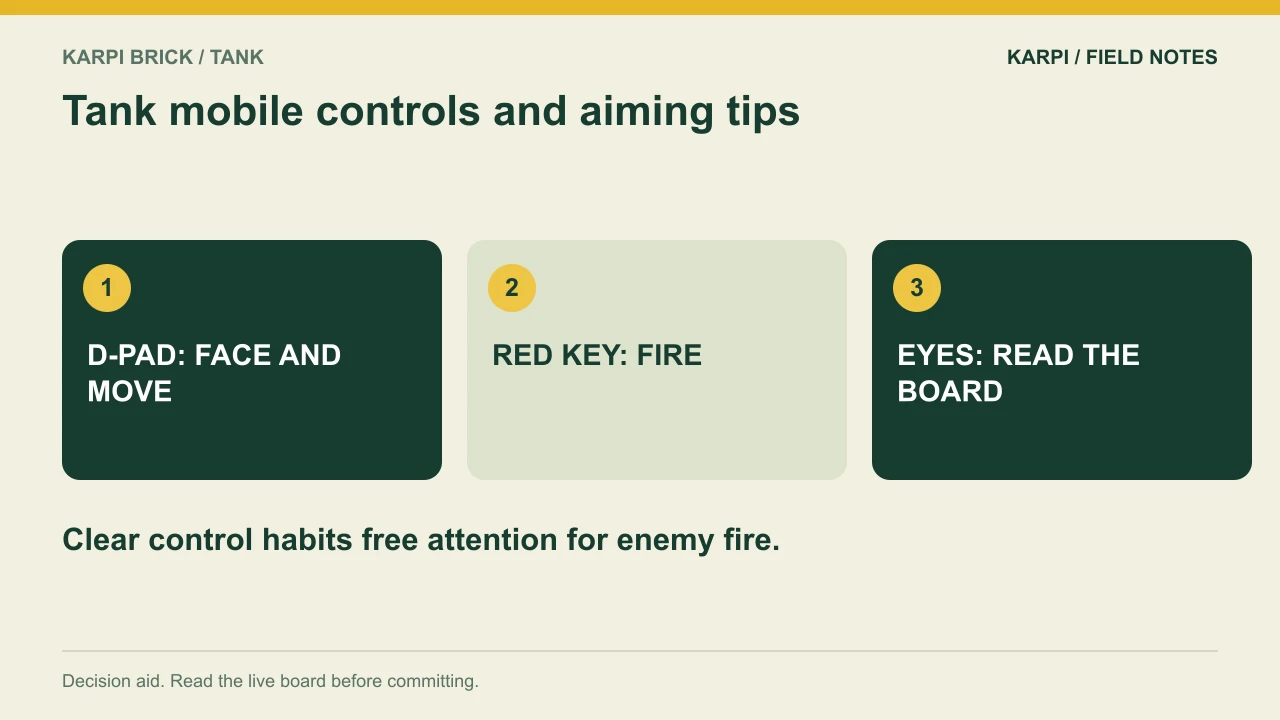
On a phone, Tank's directional pad handles facing and movement while the red key fires. Keep those jobs distinct. Decide the direction first, confirm the barrel, then shoot or move according to what the board needs.
Do not learn the controls in a panic
An early journey level gives you room to observe how a directional input changes the tank. If it faces elsewhere, the first input turns it. A following input can move it. Practise that sequence before trying to dodge a shell at close range. Understanding the state is more reliable than pressing harder.
Fire after alignment
The action key uses the direction the barrel already faces. A near-simultaneous direction change and shot can be harder to interpret if you have not learned the sequence. Start with deliberate separation: turn, see the barrel, fire. Once that is comfortable, you can make the exchange faster without losing track of why the shot went where it did.
Keep the screen readable
Your controls are below the battlefield, so use them without letting attention linger on the buttons. Between shots, scan incoming shells and nearby tanks. If you repeatedly look down to locate FIRE, practise on an easy opening until the position is familiar. That attention is more useful on the next threat lane.
Pause is part of a comfortable session
The console includes START/PAUSE. Use it when you need to adjust your grip or stop playing. Trying to continue through a distracted moment can produce a misleading result about the game's difficulty. When you return, read the barrel and board before resuming the old sequence of inputs.
Practise a deliberate two-thumb sequence
On an early stage, find a moment with room beside the tank. Use the directional thumb to turn right, release, and check the barrel. Press right again to move if the space is clear. Then turn up and use the action thumb for one shot. While that shell travels, move only if the board calls for it. This short sequence separates four events that can otherwise blur together: facing, travel, firing and the wait for another shot.
The on-screen direction buttons repeat when held, beginning after roughly 320 milliseconds and repeating at about 110-millisecond intervals. That is helpful for continuous travel but can make a planned turn become movement if you keep holding. FIRE does not have the same held-button repeat. A long swipe outside the buttons can also chain directional inputs. Choose one method while learning so you can identify what each action did. Speed comes from a familiar sequence, not from combining unfamiliar gestures under pressure.
When a shot follows an accidental turn
The game uses the barrel direction at the moment FIRE is accepted. It does not remember the target you were looking at. If a shot unexpectedly travels sideways, check whether your movement thumb had just changed the facing, or a held direction repeated before the action press. Slow the sequence down enough to see the turn. If no shot appears, check for an existing friendly shell. These observations distinguish an aiming-order problem from the one-shell limit, so you can practise the relevant action rather than changing every part of your grip.
A focused practice attempt
On the first level, complete several deliberate turn-and-fire exchanges. Then add a sideways escape after each shot. Keep the sequence slow enough that you can explain every movement. Only add speed when the controls consistently do what you intended.
At the console | What to use |
|---|---|
Open this cartridge | |
Main controls | A new direction turns the tank first; another input in that direction moves it. Space or the red key fires. |
Pause | START/PAUSE on the console; Enter or P on a keyboard |
Journey | 12 levels across three chapters; read the goal and two extras |
Take it to the board: Play Tank and test one decision from this guide. The advice describes the current cartridge rules; a practice exercise is not a guaranteed score or clear.
 Take it to the gameBrick GameSnake, Blocks, Racer and Tank on a 90s handheldPlay free
Read next
TANK COMMANDER: Twenty Targets, Two Lives For the series starting point, read Karpi Brick Tank: Aim First, Then Make Room.