 KarpiGames Editorial
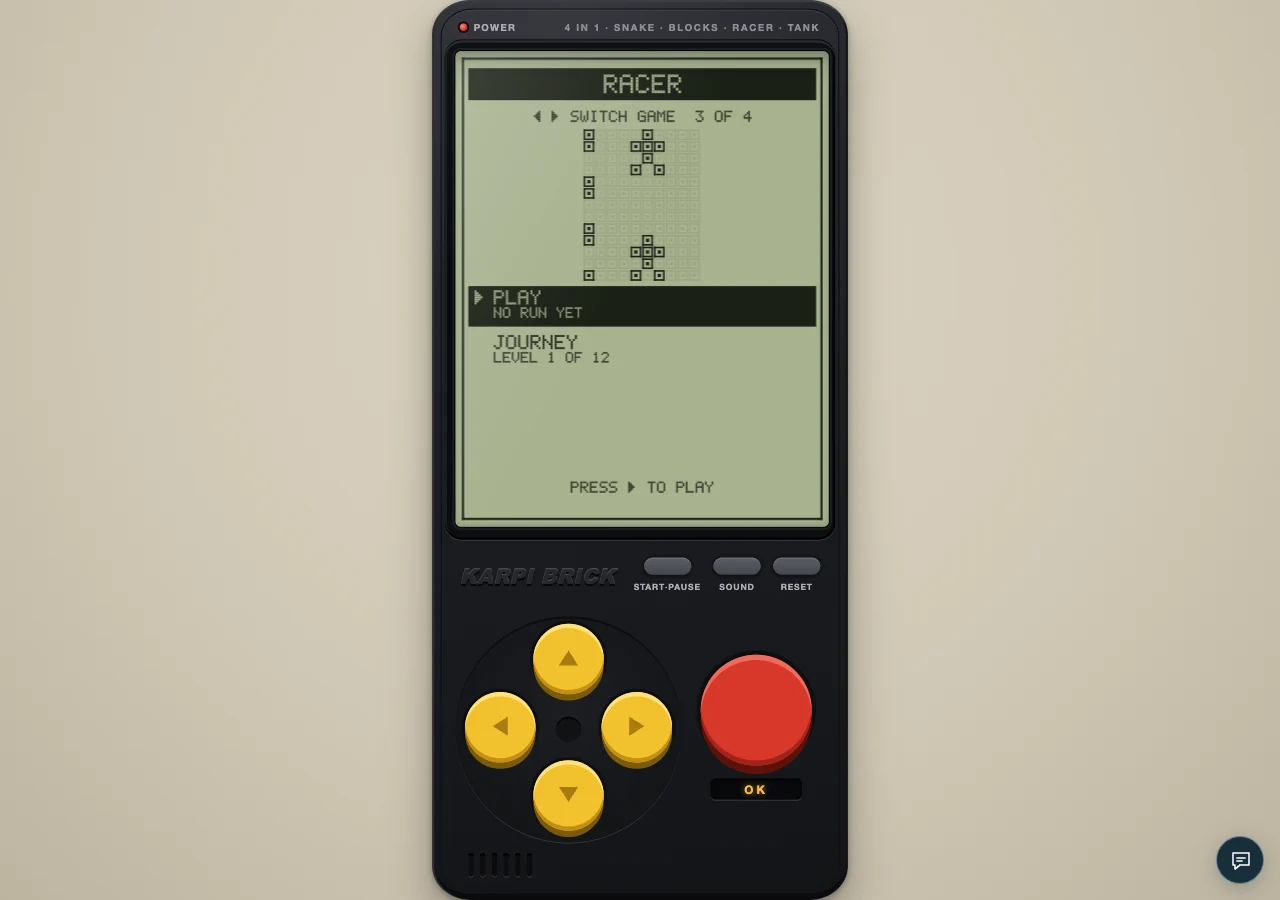
An authentic local capture of the cartridge. The visual guides below explain the decisions to look for.
Racer's left and right controls are simple; deciding when to use them is the challenge. On a phone, practise clean single lane changes before adding boost. Every extra movement should have a visible reason in the traffic ahead.
Know which action your thumb is making
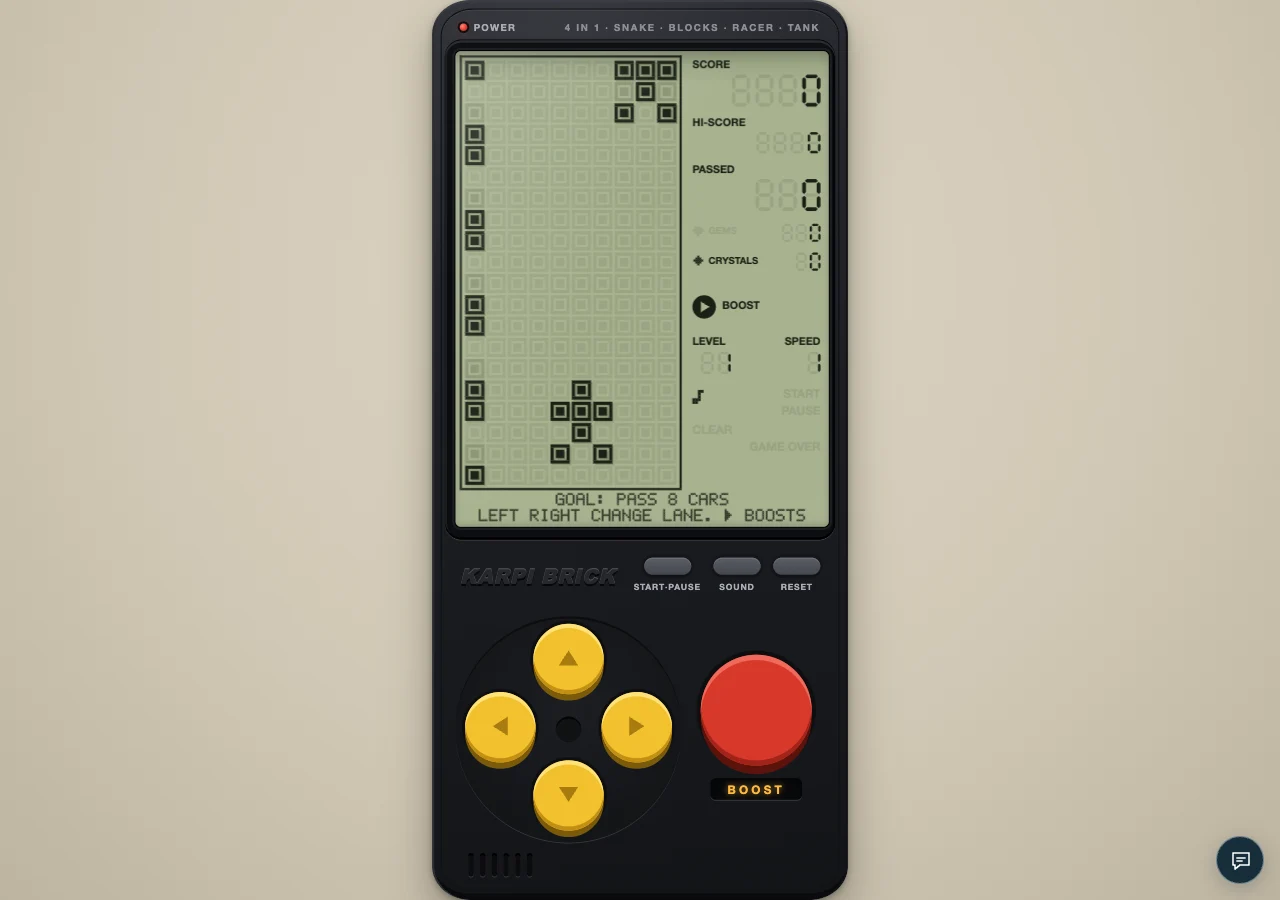
Use the directional pad for lane changes and the red BOOST button for acceleration. The separate START/PAUSE control stops the run. Learn that layout in the menu and an easy stage. A mistaken action is easier to prevent before traffic becomes dense than to correct during a fast approach.
Release after the intended movement
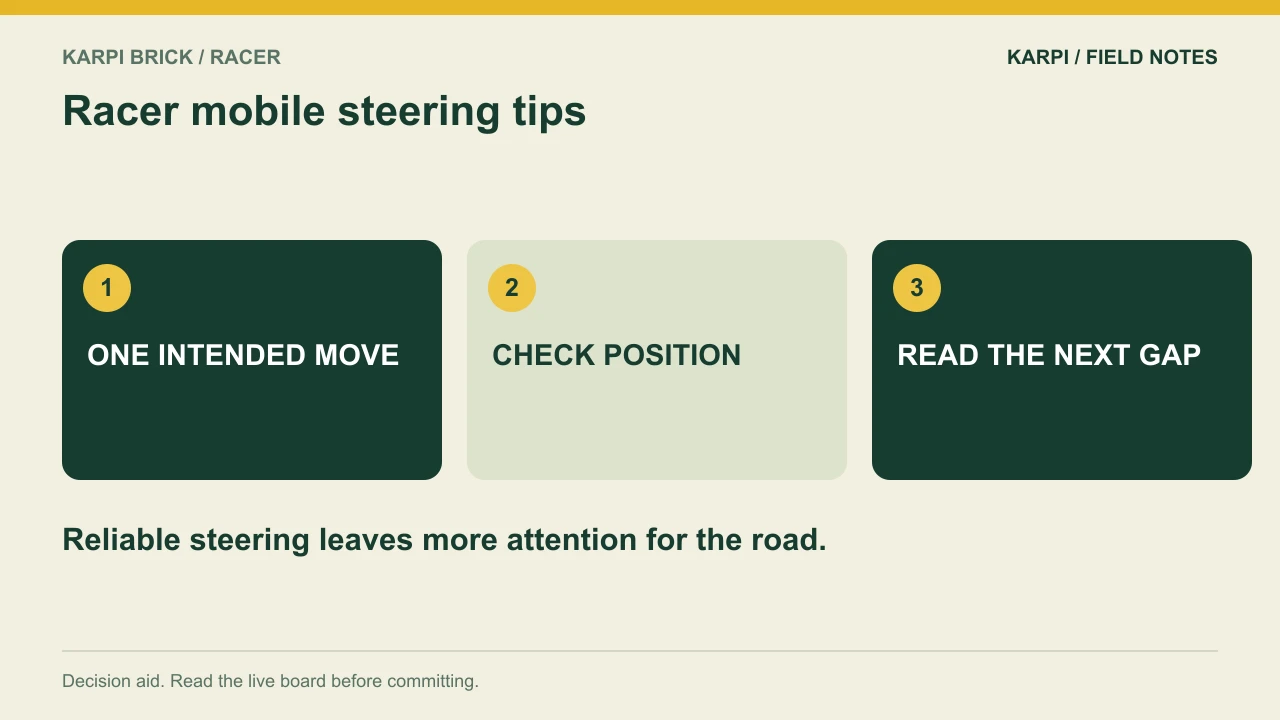
Held controls can repeat. If you want one lane change, make a deliberate input and check the resulting position. A long or nervous press can make the movement feel less precise than you intended. Practise in light traffic until the distance moved matches the decision you made.
Look above your thumb
The useful information is on the road, not on the control you have already learned. Keep attention on incoming cars and the space between them. If you find yourself watching the button during every move, slow the practice down on an early stage. Familiarity with the control surface should free attention for traffic.
Add boost only after steering feels predictable
Boost compresses the time available for the same decisions. It can make a small control uncertainty look like a traffic-reading failure. First complete a short no-boost attempt with clean lane changes. Then introduce one planned burst, keeping the route straightforward enough that you can still tell what each input did.
A thumb-control exercise before boosting
Start a quiet opening and move from the middle to the left with one short press. Release, look at the new position, and move right once to return to the middle when the lane is clear. Repeat toward the right side. This exercise establishes that a press is a lane change, not an instruction to gradually drift across the road. You can then practise two distinct changes with a deliberate visual check between them.
The on-screen directional pad repeats a held press after about 320 milliseconds and then about every 110 milliseconds. Those timings explain why a single long press can move farther than you intended. A long swipe away from the buttons can also generate multiple directional inputs as it continues. For a beginner, short separate presses make the result easier to inspect. Once the steering distance is predictable, keep your gaze higher on the road and introduce a boost only on a route that does not require frantic corrections.
If the controls feel delayed or over-sensitive
Separate a rotation of the screen, an accidental hold, and an actual lane decision. Racer has no turn-before-move mechanic: a valid left or right input changes lane immediately. A press toward the outside of the road does nothing, and up/down do not steer this cartridge. If you cross two lanes unexpectedly, first shorten the hold or swipe. If you reach the intended lane but crash, inspect the traffic in that destination rather than assuming the button failed. Use START/PAUSE before changing grip.
A focused practice attempt
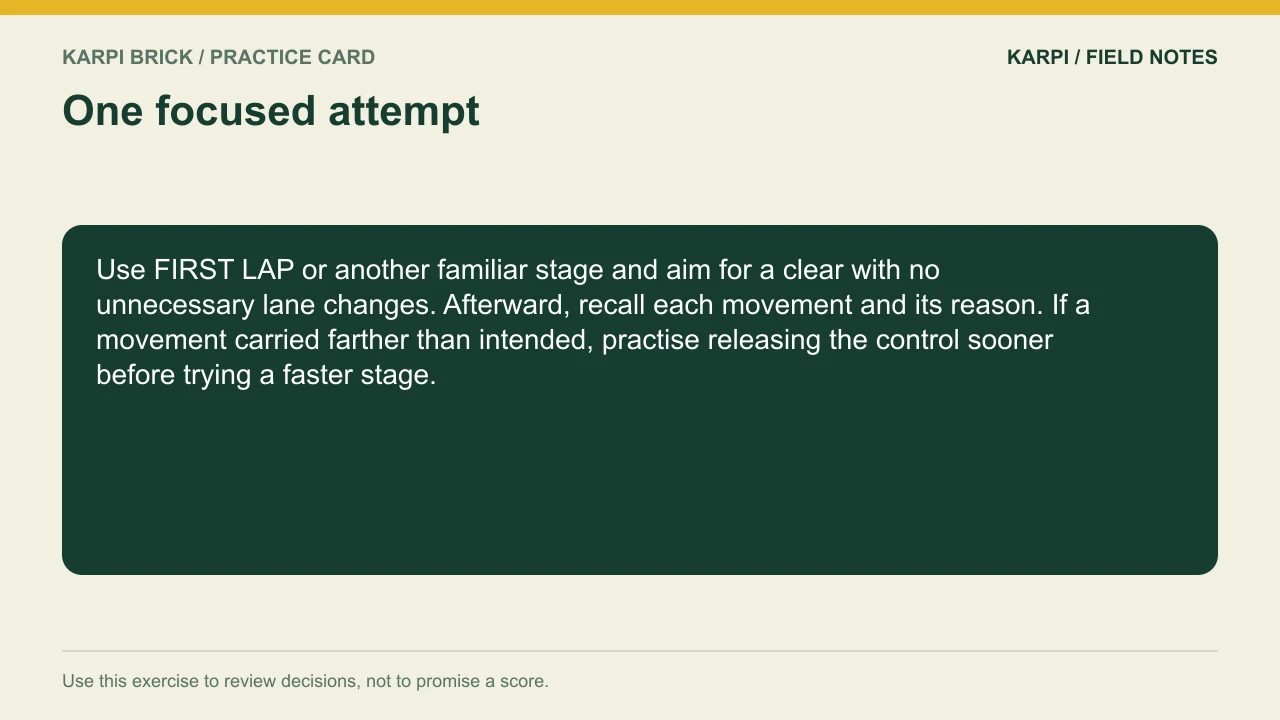
Use FIRST LAP or another familiar stage and aim for a clear with no unnecessary lane changes. Afterward, recall each movement and its reason. If a movement carried farther than intended, practise releasing the control sooner before trying a faster stage.
At the console | What to use |
|---|---|
Open this cartridge | |
Main controls | Left/right change lanes; Space or the red key boosts. Read the destination lane before moving. |
Pause | START/PAUSE on the console; Enter or P on a keyboard |
Journey | 12 levels across three chapters; read the goal and two extras |
Take it to the board: Play Racer and test one decision from this guide. The advice describes the current cartridge rules; a practice exercise is not a guaranteed score or clear.
 Take it to the gameBrick GameSnake, Blocks, Racer and Tank on a 90s handheldPlay free
Read next
Racer GRAND PRIX: Fifty Passes Without Losing the Plot For the series starting point, read Karpi Brick Racer: Three Lanes, One Way Through.